Every event in one Alertbox
Follows, subs, resubs, gift subs, Bits, KICKs, raids and Ko-fi tips. You choose what shows.

For OBS Studio
Pick a look, add your own sound or image, test the alert on the canvas and in OBS, then go live. Everything runs in one browser source.
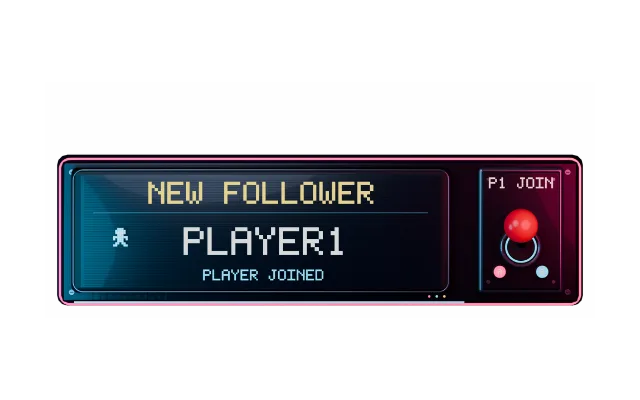
Follows, subs, resubs, gift subs, Bits, KICKs, raids and Ko-fi tips. You choose what shows.
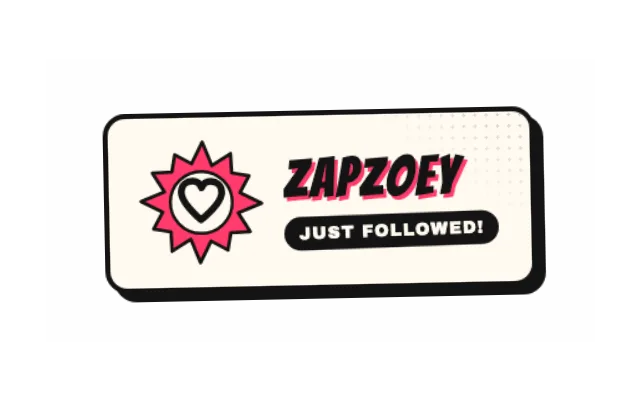
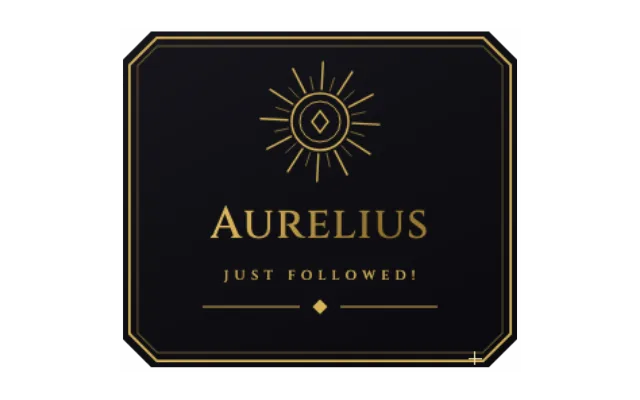
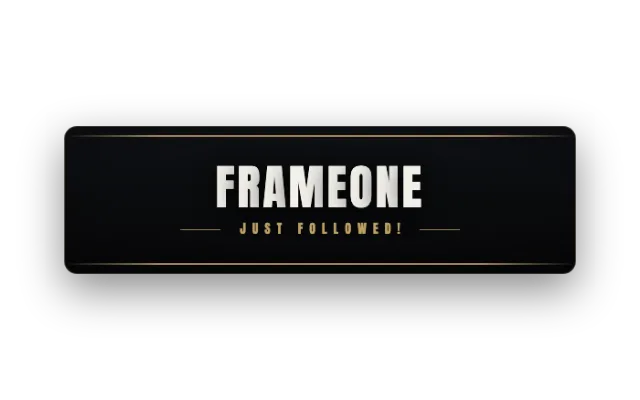
Neon Pulse, Retro Arcade, Comic Pop, Miami, Gilded and more. One click restyles the whole alert.
Upload images, GIFs, videos and sounds right in the settings card. An AI voice can read the alert message out loud.
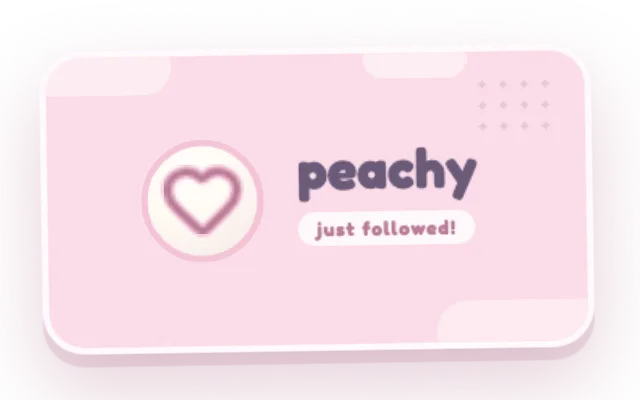
Test alert plays it on the canvas and in OBS, so you know it works before the first follow.
With Control audio via OBS, alert sounds get their own slider in the OBS audio mixer.
With OBS WebSocket, PX Studio adds the browser source in the right size and can create matching scenes.
Twitch, Kick or both. Ko-fi tips come in through the Ko-fi connection.
Pick a look, turn on the events you want and choose a sound.
Add your overlay as a browser source and press Test alert.
In the editor, click Add to OBS and copy the link. In OBS, add a browser source under Sources, paste the link and set the size to your overlay resolution, 1920 × 1080 by default. Or let PX Studio set it up through OBS WebSocket.
Turn on Control audio via OBS in the browser source. The overlay then shows up in the OBS audio mixer with its own fader.
Check that the overlay is in OBS, alerts are not paused and your channel is connected. The troubleshooting guide walks you through it.
Your overlay is a normal browser source, so any streaming software with a browser source can show it. The automatic setup and the scene sync work with OBS only.
Yes. Every account starts on the free plan, no credit card needed. Core widgets and the editor stay free. During the open beta every feature is included; premium features arrive at launch for streamers who want more.