Kick alerts
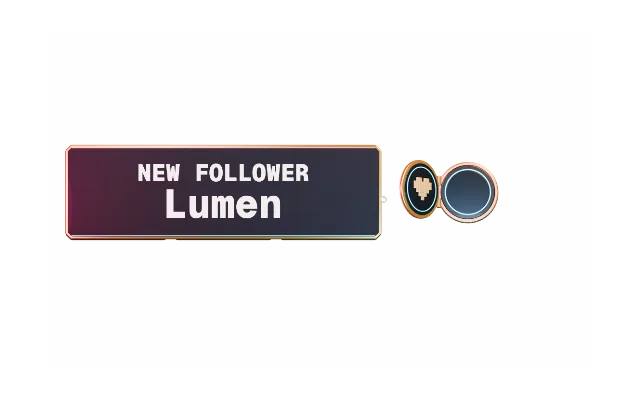
Follows, new subs, sub renewals, gift subs and KICKs with amount and message. Turn each one on or off in the Alertbox.

For Kick streamers
PX Studio connects to Kick through its official public API. Follows, subs, gift subs, KICKs and chat reach your overlay the moment they happen.
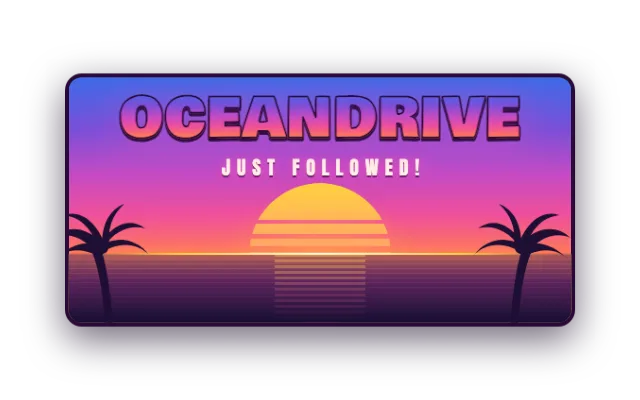
Follows, new subs, sub renewals, gift subs and KICKs with amount and message. Turn each one on or off in the Alertbox.
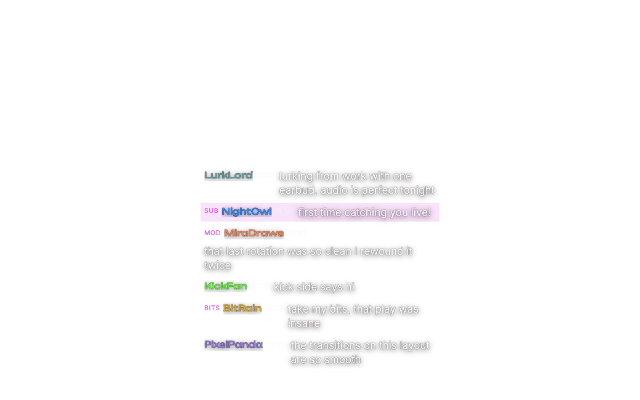
Show Kick chat as a widget in your overlay look. PXStudioBot answers commands right in your Kick chat.
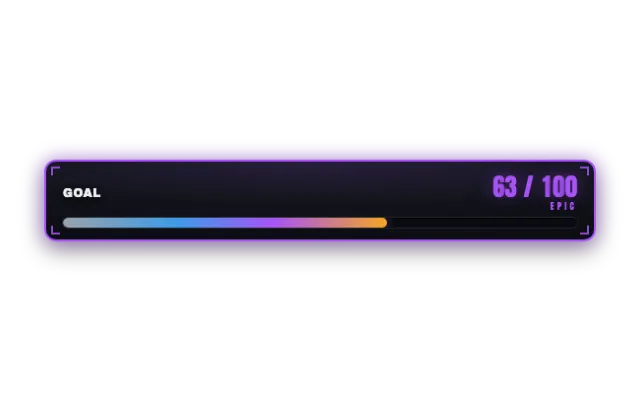
Gifted KICKs count towards your Bits and Kicks goal, so viewers see the progress live.
Connect both channels at the same time. Chat widgets let you pick which channels they listen to.
Your whole overlay is one browser source. Scene switches and new widgets arrive without touching OBS again.
Your moderators help with their own accounts: scenes, effects and bot actions, no shared password.

Or with Twitch or an email link. Then connect your Kick channel under Settings, Connections.
Add alerts, chat and goals, then choose a look that fits your channel.
Add your overlay link as a browser source. Changes show up live.
Yes. Alerts, chat widgets, goals and PXStudioBot work with Kick through Kick's official public API.
No. Kick's public API has no raid event, so raids on Kick do not trigger an alert. Follows, subs, gift subs and KICKs do.
Follows and chat work on every channel. Subs need subscriptions switched on for your channel. KICKs need Streamer status and a completed Stripe Connect setup on Kick.
No. PX Studio never asks for your Kick password or your stream key.
Yes. Every account starts on the free plan, no credit card needed. Core widgets and the editor stay free. During the open beta every feature is included; premium features arrive at launch for streamers who want more.