Alerts for every Twitch moment
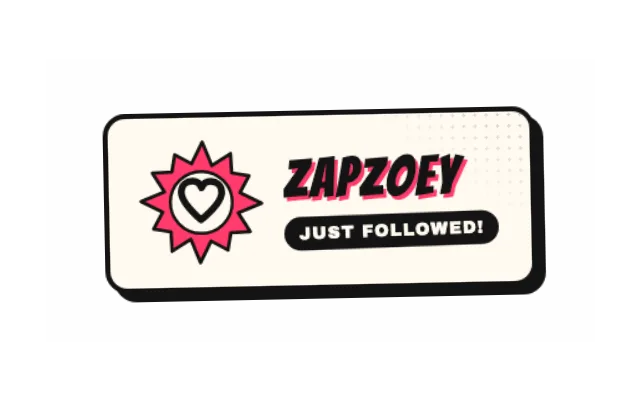
Follows, new subs, resubs, gift subs, Bits and raids, each switched on or off in one Alertbox. Subs and Bits need an Affiliate or Partner channel.

For Twitch streamers
Design your Twitch overlay on a real canvas in your browser. Alerts, chat, goals and timers react to your channel live, and one link brings the whole scene into OBS.

Follows, new subs, resubs, gift subs, Bits and raids, each switched on or off in one Alertbox. Subs and Bits need an Affiliate or Partner channel.
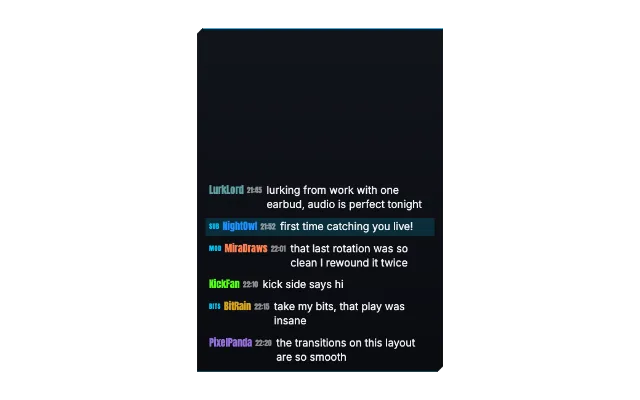
The chat widget shows your Twitch chat in the same look as the rest of your overlay. PXStudioBot joins with commands, timers and loyalty points.
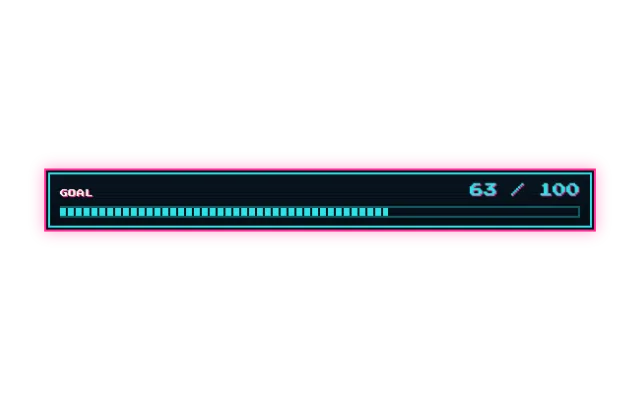
Follower, sub and Bits goals fill up from real channel events, so viewers watch the bar move.
Every edit in the studio reaches OBS on its own. You add the browser source once and keep building.
Invite your moderators. They switch scenes, fire effects and run bot actions without your password.
Ask Pix, the AI co-producer, to build a scene or restyle your widgets. You confirm what it changes.

No password to remember. Connect your channel under Settings, Connections.
Add alerts, chat and goals, then choose a look that fits your channel.
Add your overlay link as a browser source. Changes show up live.
Yes. Every account starts on the free plan, no credit card needed. Core widgets and the editor stay free. During the open beta every feature is included; premium features arrive at launch for streamers who want more.
Follows and raids work on every channel. New subs, resubs, gift subs and Bits need an Affiliate or Partner channel. Channel Point redemptions and Hype Trains show in the activity feed.
No. You sign in through Twitch, and PX Studio never asks for or sees your Twitch password.
No. PX Studio runs in your browser and your overlay runs in OBS as a browser source. Only the optional Stream Deck plugin is a download.
Your overlay is a normal browser source, so any streaming software with a browser source can show it. The automatic setup and the scene sync work with OBS only.