Webcam frames
Frame your camera in the same look as your alerts and chat.

Free plan, no credit card
Core widgets and the editor stay free. Build a scene with alerts, chat, goals and a webcam frame, then add it to OBS with one link.
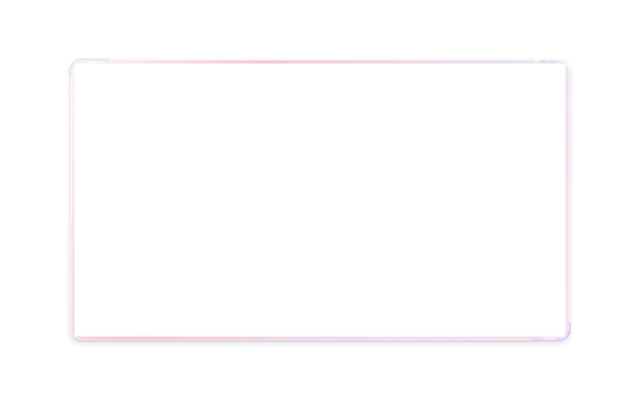
Frame your camera in the same look as your alerts and chat.
Follows, subs, gift subs, Bits, KICKs and raids with sound and animation.
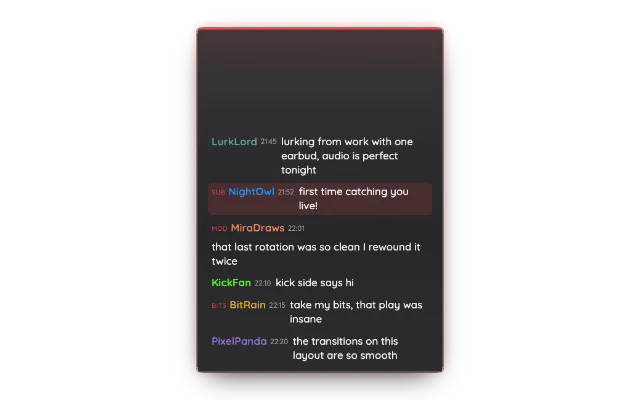
Your Twitch or Kick chat on screen, styled like the rest of your overlay.
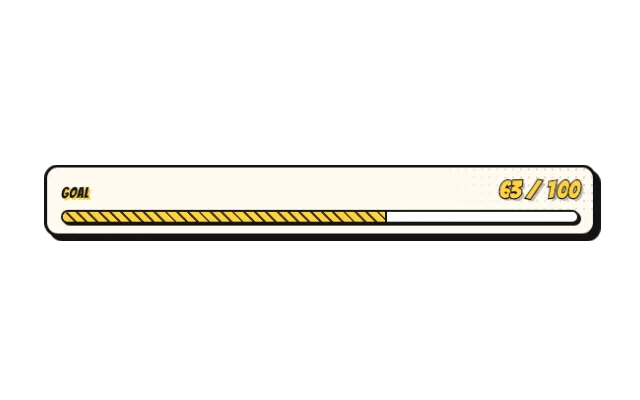
Goal bars, counters and emote counters that update from your channel.
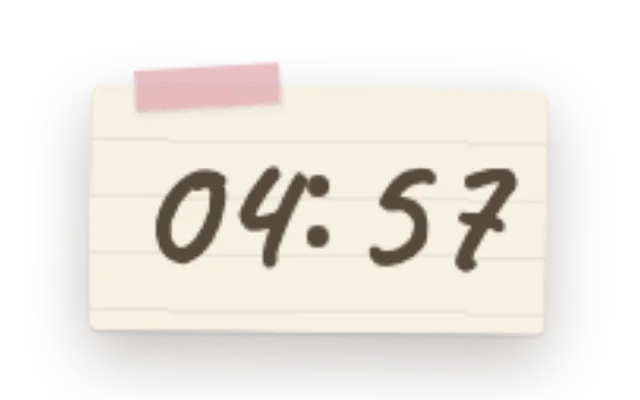
Countdowns for Starting Soon and BRB scenes, stopwatches for uptime or speedruns.
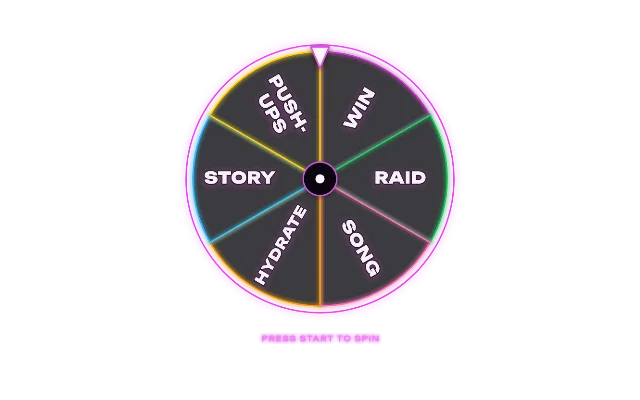
Spin wheel, confetti, emote storm and challenges for the fun moments.
Twitch, Kick or a one-time email link. No credit card.
Pick widgets and a look, then place them on the canvas.
Paste your overlay link as a browser source. Changes show up live.
Yes. Every account starts on the free plan, no credit card needed. Core widgets and the editor stay free. During the open beta every feature is included; premium features arrive at launch for streamers who want more.
No. PX Studio runs in your browser and your overlay runs in OBS as a browser source. Only the optional Stream Deck plugin is a download.
Twitch and Kick: alerts, chat widgets, goals and PXStudioBot work with both, and you can connect both at the same time.
Yes. Your overlay is one browser source, and every change in the editor arrives there by itself: new widgets, settings and scene switches.
Yes. Settings that take a file have an Upload button right in the settings card, for images, GIFs, videos and sounds.