

Deck
Control your overlay from your phone with big tiles for scenes, effects, tests and giveaways.
The Deck turns your phone into a control panel. It runs in the browser; add it to your home screen to use it like an app.
On your phone, open
pxstudio.cloud/deckand sign in with your normal PX Studio account. No pairing code needed.If you have several overlays, Pick an overlay.
Tap a tile to fire it: switch a scene, test an alert, play an effect, run a macro or control a giveaway.
Set up tiles
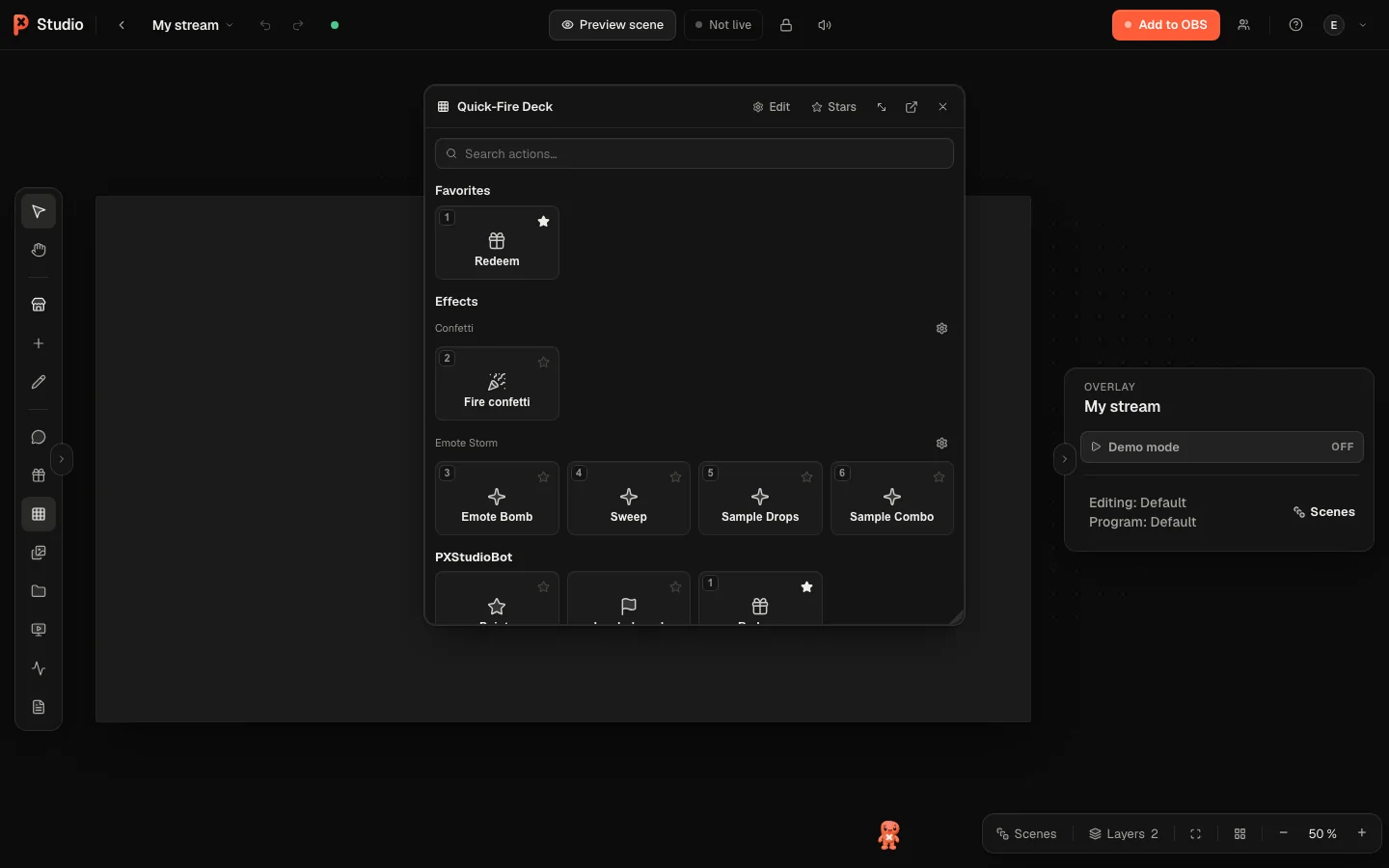
Tiles come from the Quick-Fire Deck in the editor (toolbar, Q). It has the sections Favorites, Effects, Scenes and Custom. New button adds a tile; Assign hotkey… puts it on a key. In the editor, the number keys 1 to 0 fire the first ten tiles.
Was this page helpful?